

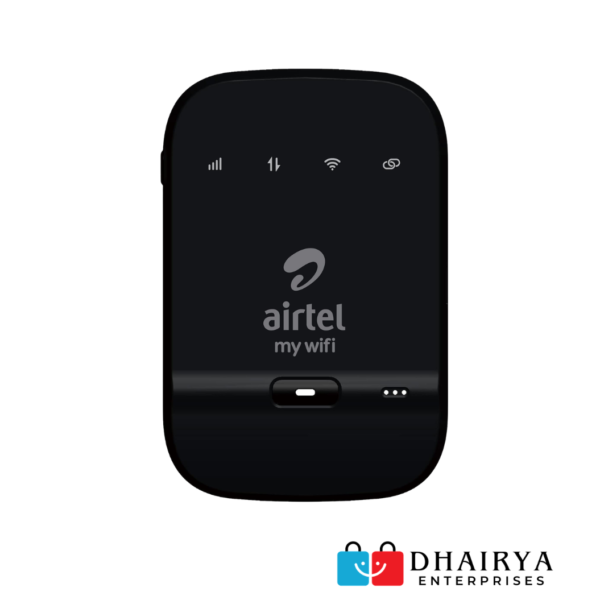
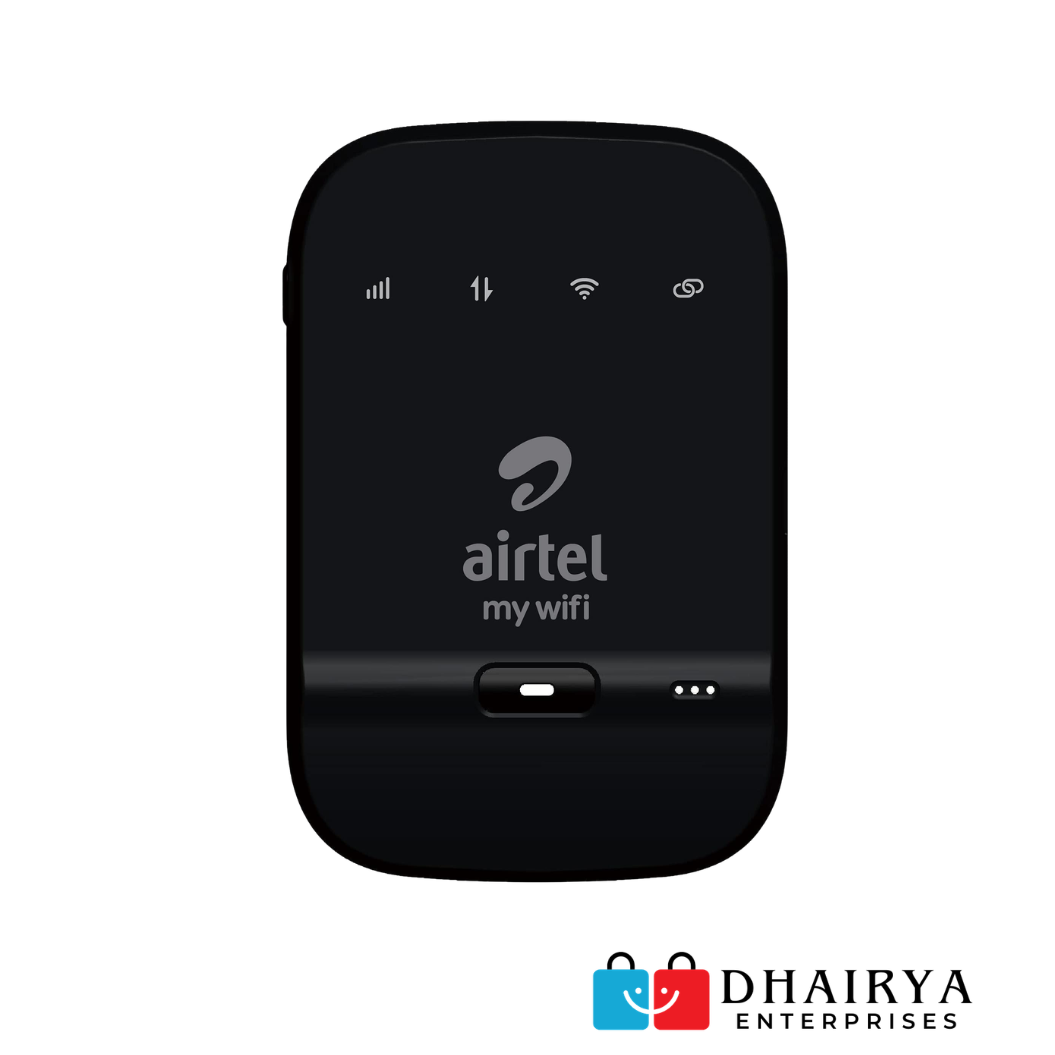
Airtel AMF-311WW 4G WiFi Hotspot
₹2,500.00 ₹2,100.00 (16% off)
🚀 Product Overview
Stay connected anywhere with the Airtel AMF-311WW 4G WiFi Hotspot. Designed for professionals, students, travelers, and remote workers, this compact hotspot delivers reliable 4G LTE internet connectivity and allows multiple devices to connect simultaneously.
With a powerful 2300mAh rechargeable battery and support for up to 10 connected devices, the AMF-311WW is an ideal solution for internet access on the go. It works by creating a secure WiFi network through an Airtel 4G SIM card and provides download speeds of up to 150 Mbps.
✨ Key Features
✅ 4G LTE High-Speed Internet
✅ Download Speed Up To 150 Mbps
✅ Upload Speed Up To 50 Mbps
✅ Connect Up To 10 Devices Simultaneously
✅ 2300mAh Rechargeable Battery
✅ Up To 6 Hours Working Time
✅ Up To 300 Hours Standby Time
✅ Supports Laptops, Smartphones, Tablets & Smart Devices
✅ Compact & Travel-Friendly Design
✅ Easy Plug & Play Setup
✅ WiFi 2.4GHz Support
✅ Secure Wireless Connectivity
✅ Works With Airtel 4G SIM Cards*
Products
-
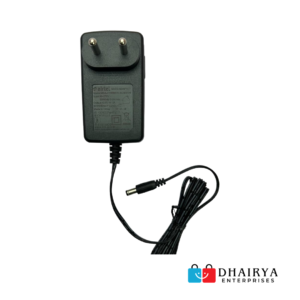
Airtel Charger 12V – For All Compatible Modem & Android Box
₹899.00₹399.00 (56% off) -
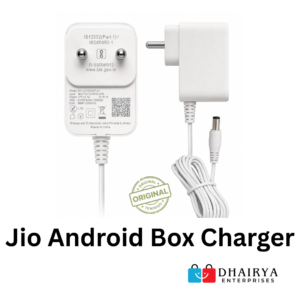
Jio Android Box Charger 12V 1.5A – Compatible with Android TV Boxes
₹999.00₹499.00 (50% off) -
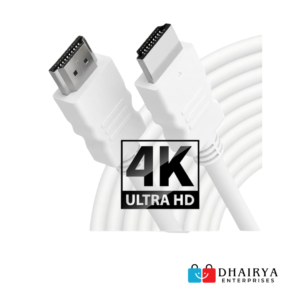
₹2,000.00₹600.00 (70% off) -
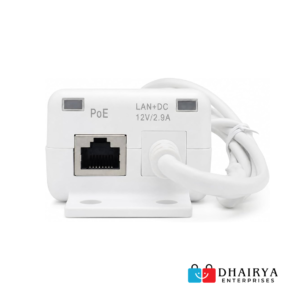
Jio Modem PoE Adapter (For Air Fiber Work – Airtel & Jio)
₹1,999.00₹799.00 (60% off) -
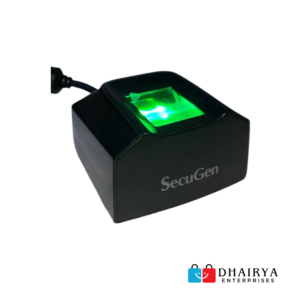
SecuGen Hamster Pro 20 AP (Approved by Maharashtra Govt.)
₹6,000.00₹2,300.00 (62% off)
| Specification | Details |
|---|---|
| Model Number | AMF-311WW |
| Brand | Airtel |
| Network Support | 4G LTE |
| WiFi Band | 2.4 GHz |
| Download Speed | Up to 150 Mbps |
| Upload Speed | Up to 50 Mbps |
| Connected Devices | Up to 10 |
| Battery Capacity | 2300 mAh |
| Working Time | Up to 6 Hours |
| Standby Time | Up to 300 Hours |
| Dimensions | 8.5 × 5.6 × 1.6 cm |
| Weight | Approx. 140 g |
| Color | Black |
| Operating Systems | Windows & Mac OS Compatible |
📦 Package Contents
- Airtel AMF-311WW Hotspot Device
- Rechargeable Battery
- USB Charging Cable
- User Manual
🎯 Ideal For
- Work From Home
- Online Classes
- Business Travel
- Backup Internet Connection
- Small Offices
- Students
- Remote Workers
- Home Internet Sharing
❓ Frequently Asked Questions (FAQ) – Airtel AMF-311WW 4G WiFi Hotspot
1. What is the Airtel AMF-311WW?
The Airtel AMF-311WW is a portable 4G LTE WiFi hotspot that creates a wireless internet network using an Airtel SIM card.
2. How many devices can connect simultaneously?
You can connect up to 10 WiFi-enabled devices at the same time.
3. What is the maximum speed supported?
The device supports download speeds up to 150 Mbps and upload speeds up to 50 Mbps, depending on network conditions.
4. Which SIM cards are supported?
The AMF-311WW is generally network-locked for Airtel SIM cards only.
5. Does it support 5G networks?
No. This device supports 4G LTE networks only.
6. What is the battery capacity?
The hotspot comes with a 2300mAh rechargeable lithium-ion battery.
7. How long does the battery last?
Battery backup is approximately 6 hours of active usage and up to 300 hours standby time.
8. Can I use the hotspot while charging?
Yes, the device can normally be used while connected to a charger.
9. Does it require software installation?
No. Simply insert the SIM card, power on the device, and connect through WiFi.
10. What WiFi frequency does it support?
The hotspot supports 2.4GHz WiFi connectivity.
11. Can I connect a laptop to this device?
Yes. Laptops, desktops (with WiFi), smartphones, tablets, smart TVs, and other WiFi devices can connect.
12. How do I find the WiFi password?
The default WiFi name (SSID) and password are usually printed on a sticker inside the battery compartment.
13. How do I change the WiFi password?
Log in to the hotspot’s web management page and update the WiFi settings.
14. Can I reset the hotspot?
Yes. The device includes a reset option that restores factory settings.
15. Is it suitable for Work From Home?
Yes. It is ideal for video meetings, online classes, browsing, and remote work.
16. Can I use it while travelling?
Yes. Its compact design and rechargeable battery make it suitable for travel.
17. What comes inside the box?
Typically, the package includes:
- Airtel AMF-311WW Hotspot
- 2300mAh Battery
- USB Charging Cable
- User Manual
18. What operating systems are supported?
The hotspot is compatible with Windows and macOS devices through WiFi connectivity.
19. Is this product refurbished?
If purchased from Dhairya Enterprises, this listing is for a Refurbished – Used & Tested device, thoroughly checked before dispatch.
20. What warranty is provided?
6 Months Dealer Warranty from Dhairya Enterprises on refurbished units.
| Weight | 500 g |
|---|---|
| Dimensions | 10 × 10 × 10 cm |
You must be logged in to post a review.
Related products

(Refurbished) ZTE MF825A 4G LTE USB Data Card – SIM-Based Internet Dongle for Laptop & Desktop
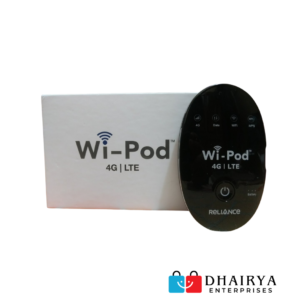

 Airtel AMF-311WW 4G WiFi Hotsp...
Reviews
There are no reviews yet.